Syllabus import
Upload a PDF syllabus and Sky Schedule turns it into lessons and steps, with AI filling in where the text alone isn't enough.
Sky Schedule is flight training records software that ties every lesson to the flight it happened on. Build a program from the syllabus you already teach, enroll students, and have instructors grade each step right from the booking. Signed log entries, progress, endorsements, and a printable enrollment record stay with the student from the first lesson to the last.
Upload a PDF syllabus and Sky Schedule turns it into lessons and steps, with AI filling in where the text alone isn't enough.
Build or edit Part 61 and Part 141 programs by hand, with AI help writing overviews and lesson notes.
Instructors grade each step from 1 to 5 stars or satisfactory and unsatisfactory, add notes, record the outcome, and sign.
Students sign their own log entries in the app, and copies can be emailed to the student and a parent.
Arlo, the in-app assistant, turns the instructor's notes, the step grades, and the flight's track into a short written debrief.
Turn a completed flight's ADS-B track into a 3D or satellite replay video and email it to the student.
Most schools already have a syllabus, often a PDF that has been through a few revisions. Upload it and Sky Schedule reads it into a program: the certificate, the title, Part 61 or Part 141, an overview, and each lesson with its content, pre-lesson preparation, flight or ground type, expected flight and ground hours, and the steps to grade. When the text alone doesn't give a clean result, AI takes a pass to find lessons and fill in steps. Open the program editor afterward to reorder lessons, tighten wording, and fix anything that came through wrong.
Programs can also be built from scratch in the composer. For each step, choose whether it's graded on a 1 to 5 star scale or as satisfactory or unsatisfactory. AI can draft a program overview or a teaching note for a lesson, or clean up grammar without changing what you wrote.
For a Part 141 school, the program in Sky Schedule mirrors the training course outline you already have approved. Sky Schedule records training against it; it doesn't handle FAA approval. The Part 141 flight school software page covers that setup in more detail.
Training records fall behind when logging a lesson is a separate chore. In Sky Schedule the lesson lives on the reservation, next to the Hobbs time and the route.
The AI lesson debrief reads the instructor's summary, the step grades and notes, the outcome, the linked flight, and statistics from the ADS-B track, then writes 3 short paragraphs the student can actually use before the next lesson. It works from what the instructor recorded; it doesn't replace the instructor's own debrief.
Progress. Each enrollment shows a progress bar for lessons logged against the whole program, and an AI summary describes where the student stands in plain English.
Bulk enrollment. Starting a new class? Pick several students at once and set the program, start date, and primary instructor for each. Anyone who already has an active enrollment is skipped.
Transfer credits. For a student coming from another school, select the syllabus lessons they've already completed and enter the prior school and their flight and ground hours. Those lessons are logged and marked as transfer credit. If credit would cover more than half the program, Sky Schedule warns you, and an admin can approve it anyway.
Enrollment PDF. One document holds the whole record: student and program details, status, primary instructor, progress, and enrollment, target, and completion dates. It includes every log entry with step grades, outcome, summary, transfer credits, and the linked flight, along with the instructor's and student's signatures.
Instructors record endorsements on a student's profile from a catalog of common FAA endorsements. A solo endorsement is recorded with its 90-day expiration. Activity types can also require an endorsement at booking, so the booking form flags a solo flight when the student doesn't have one on file. The flight school compliance page explains how requirements are checked at booking and dispatch.
Flight Replay turns a completed flight's ADS-B track into a video. Choose a 3D or satellite view, render it in the browser, and email it to the student, with a copy to the instructor if you want. It's useful for debriefing a pattern that drifted wide or a cross-country that wandered. Replays depend on ADS-B coverage, so a flight that receivers didn't pick up won't have a track to replay.
Switching software shouldn't mean asking every student to start their records over. If you're coming from a system Sky Schedule supports, it can pull programs and lesson history over that system's API using your school's API keys, show you a preview, and import what you approve. The switching guide covers the rest of the move, from people and aircraft to the schedule.
Yes. Each program is labeled Part 61 or Part 141, and Part 141 schools can build programs that mirror their approved training course outline. Sky Schedule keeps the records; FAA approval of the course stays with your school.
Each step in a lesson is graded either on a 1 to 5 star scale or as satisfactory or unsatisfactory, depending on how the program is set up. The instructor adds notes, records an outcome of pass or fail, and signs the entry.
Yes. Turn on student signatures and the student gets an email asking them to sign. They sign the entry from their dashboard after logging in.
Yes. Upload the PDF and Sky Schedule builds the program from it, using AI where the text needs help. Review the lessons and steps in the editor before you enroll students.
Yes, when the flight has an ADS-B track. Flight Replay renders a 3D or satellite video of the flight that instructors or admins can email to the student.
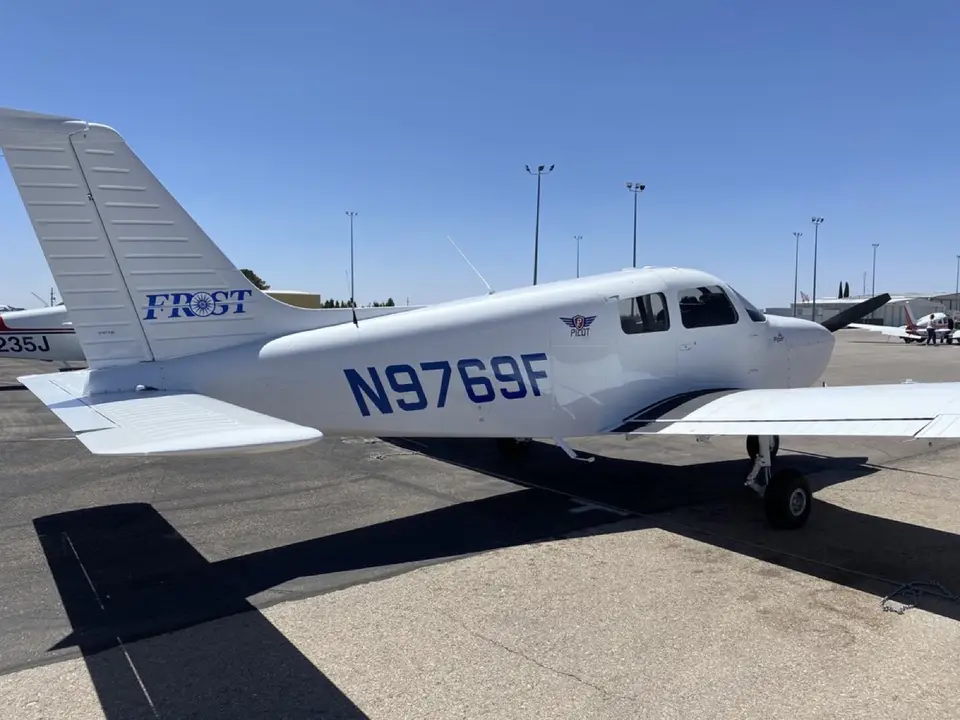 Frost Aviation · Las Cruces, New MexicoA Seven-Day Las Cruces School That Stopped Shopping for SoftwareA Las Cruces school that trains seven days a week tried scheduler after scheduler before it found software, and support, that could keep up.Read story
 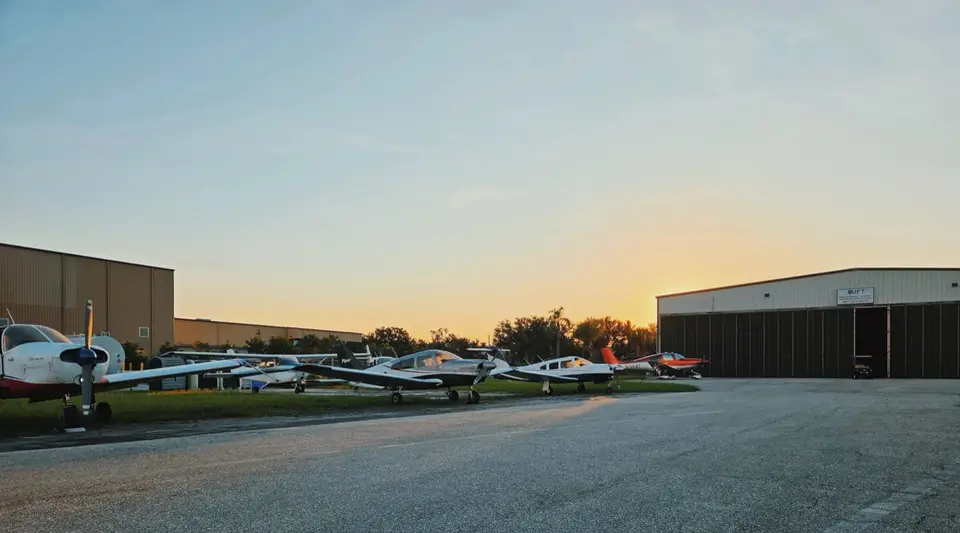 Palmetto Sky Flight School · Anderson, South CarolinaAt Palmetto Sky, the Lesson and the Invoice Close TogetherA two-airplane, faith-based school in Upstate South Carolina logs the lesson and bills the flight from the same record, with no second pass at month end.Read story
  Academy of Aviation · Farmingdale, New YorkAcademy of Aviation Keeps 9 Campuses on One Part 141 StandardA Part 141 career pilot school with 9 campuses from Long Island to Southern California, using Sky Schedule to keep scheduling, training, and documents consistent.Read story
 Book a demo with our team, or start free and set up your fleet today.