.webp)
Schedule and reservations
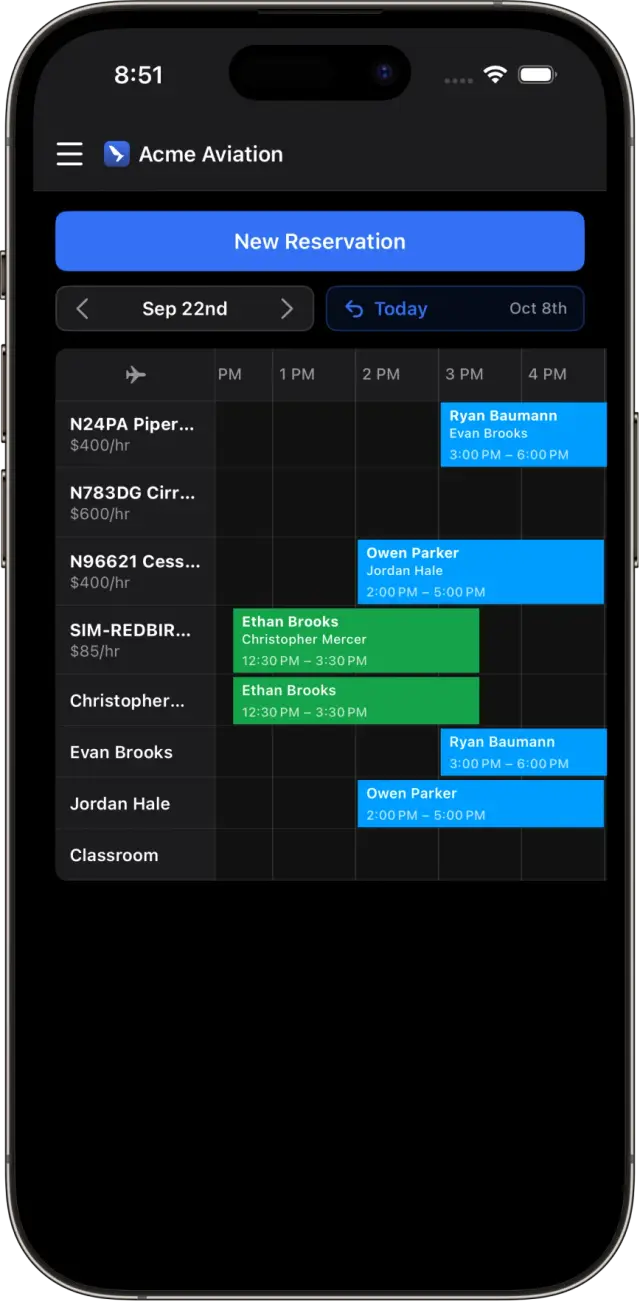
Day, list, and detail views of the schedule, with new bookings, edits, and recurring reservations.
The Sky Schedule flight school app for iPhone and iPad: book, check out, and complete flights from the ramp.
Sky Schedule OS is a flight school app for iPhone and iPad, built natively for iOS and signed in to the same Sky Schedule account as the web app. Students book and request flights, instructors check out aircraft and enter Hobbs and Tach on the ramp, and admins handle maintenance and approvals without walking back to the office. Permissions follow what you set on the web, so each person sees what their role allows.
Day, list, and detail views of the schedule, with new bookings, edits, and recurring reservations.
Students send a flight request from the schedule, and staff approve it from Reservations.
Fill the check-out form, then complete the flight with Hobbs, Tach, flight instruction, and ground instruction.
Upload medicals, IDs, and other documents, and finish activity and aircraft requirements on the phone.
Report squawks, open work orders, and expand any aircraft to see its inspections, documents, and requirements.
Get notified about reservation updates and messages, and chat with the school in channels and DMs.
The flight school app starts with the schedule. Students and renters see their upcoming flights, open a reservation for the details, and add it to their calendar. If your school lets them book, they can create a reservation, including a recurring one for the same slot every week. If you'd rather approve each flight, they use Find a Time to request a time and staff approve it from Reservations.
Everything a student needs before a flight can be done on the phone:
After the flight, the Flights tab shows past flights with departure and arrival times, route, aircraft, crew, Hobbs, and instruction hours. When your school has the Flight Tracking add-on, flights show their ADS-B track on the map.
Instructors spend most of the day away from a desk, and the app is built for that.
If something is wrong with the airplane, report a squawk from the app before the next person books it. Instructors can also edit unbilled completed flights, message the office in Team Chat, and get push notifications when a reservation changes.
Admins get the parts of the web app they reach for during the day:
Activity notifications sit in the menu, and the schedule has a current-time line so you can see at a glance who should be in the air.
A few jobs are easier on a big screen and stay in the web app for now:
See flight school scheduling software for the full schedule, and flight training records for how lesson logs and progress work behind the app.
Yes. Search for Sky Schedule OS on the App Store or use this App Store link. It signs in to the same account as the web app.
Yes. The same app runs on iPhone and iPad with iOS or iPadOS 17 or later.
Yes. Instructors check out the aircraft, then complete the flight with Hobbs, Tach, flight instruction, and ground instruction. Aircraft times update when the flight is saved.
Yes, once they turn on push notifications in the app. They're notified about reservation updates, Team Chat messages, and other school activity.
Not yet. Onboarding (forms, card on file, and signed agreements) is done on the web, and works in a phone's browser. Everything after that, from booking to uploading a new medical, works in the app.
No. Flight Replay is web only. The app's Flights tab shows past flights with route, crew, and times, and the ADS-B track when your school has Flight Tracking.
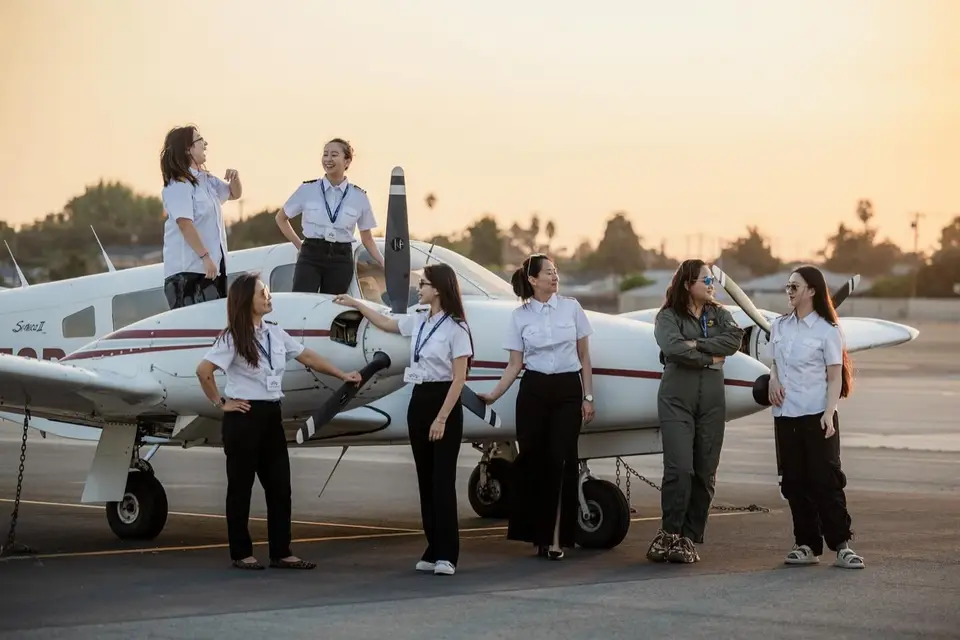 Cloud Aviation · El Monte, CaliforniaCloud Aviation Runs a Mixed Fleet in El Monte From One Live ScheduleA multilingual El Monte school flying Cessnas and a Seneca put every airplane, instructor, and booking in one live schedule, on the desk and on the phone.Read story
 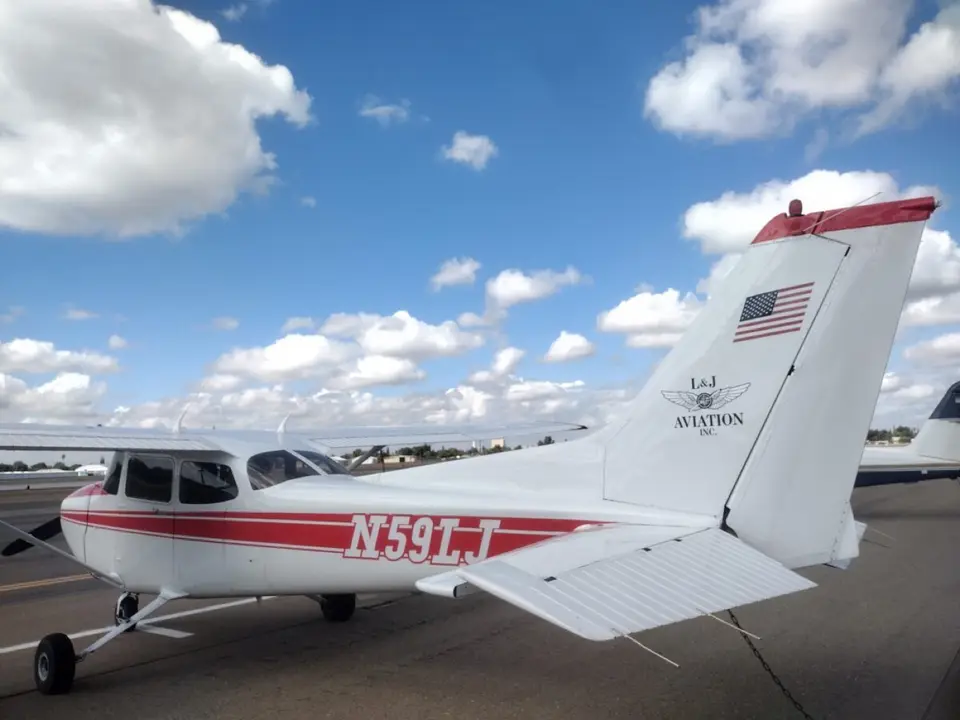 L&J Aviation · Modesto, CaliforniaTraining, Rentals, and Managed Aircraft on One Modesto ScheduleL&J Aviation trains pilots, rents aircraft, and manages airplanes for owners. Since switching to Sky Schedule, all three run from one calendar and one phone app.Read story
 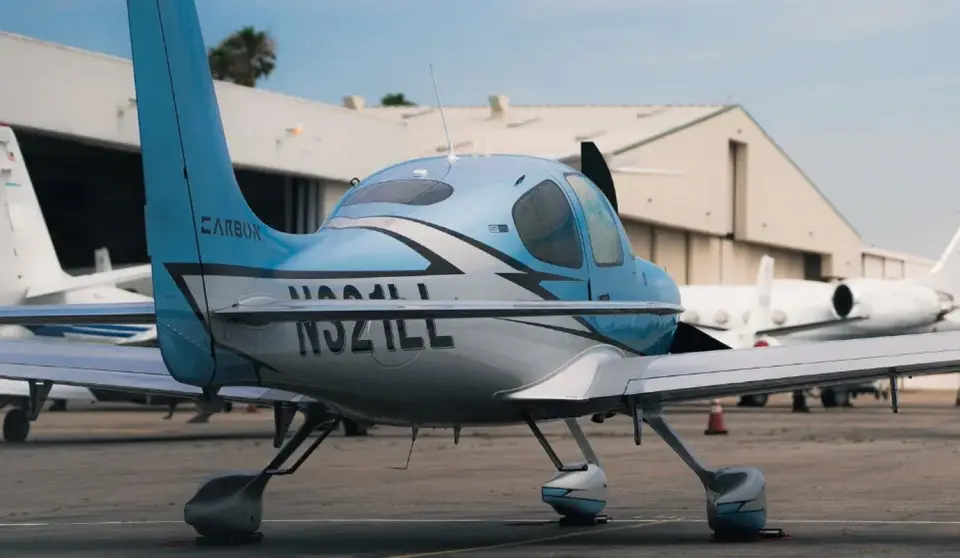 Mach 1 Aviation · Van Nuys, CaliforniaA Platinum Cirrus Training Center Under One Roof in Van NuysA Platinum Cirrus Training Center in Van Nuys moved its history into Sky Schedule and now runs training, billing, and maintenance in one place.Read story
 Book a demo with our team, or start free and set up your fleet today.