Cloud Aviation Runs a Mixed Fleet in El Monte From One Live Schedule
A multilingual El Monte school flying Cessnas and a Seneca put every airplane, instructor, and booking in one live schedule, on the desk and on the phone.
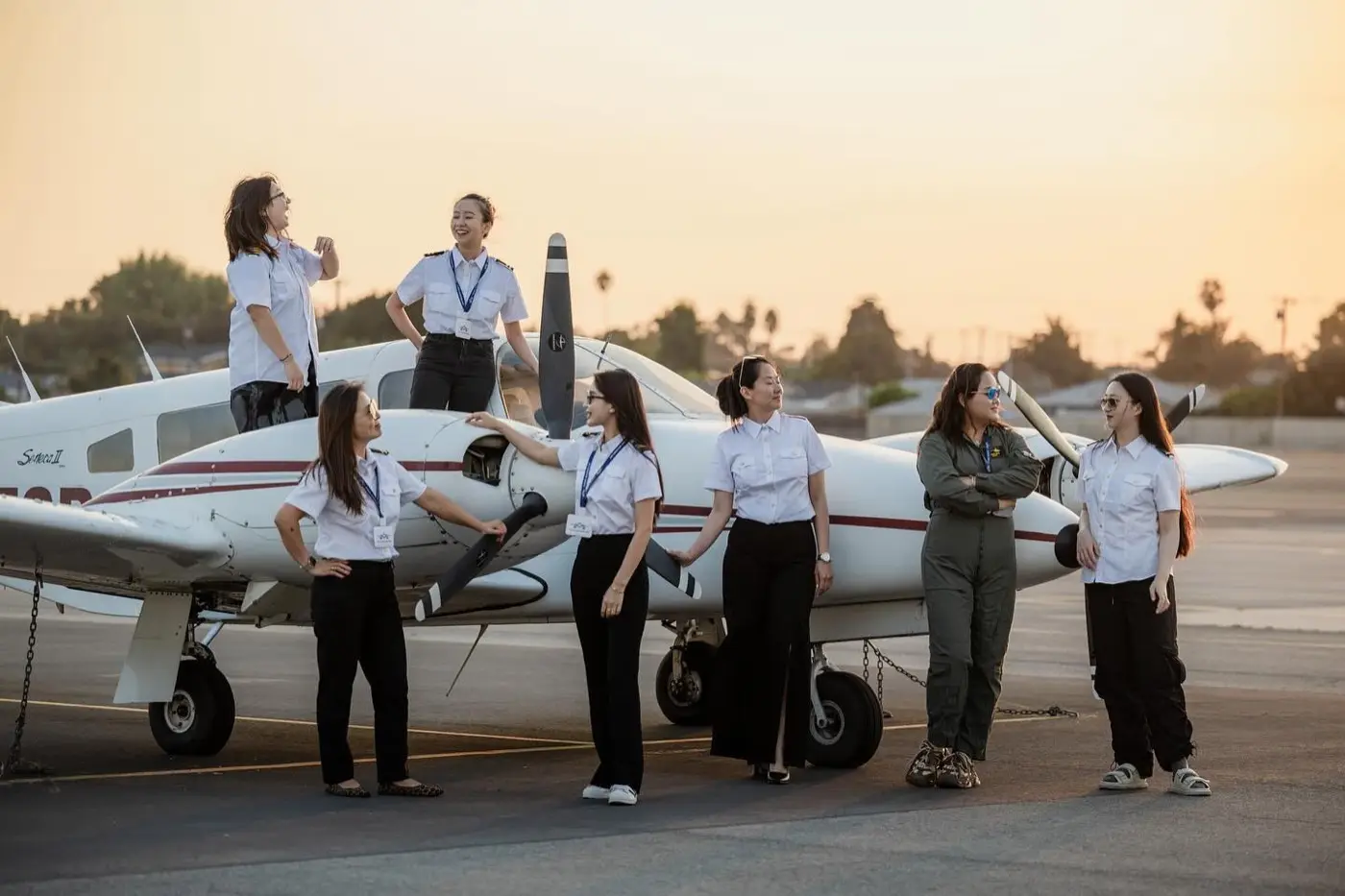
At Cloud Aviation, students can learn to fly in English, Chinese, Korean, or Japanese. The flight school is based at El Monte Airport (KEMT) in the San Gabriel Valley, east of downtown Los Angeles, and its fleet runs from a Cessna 150 to a twin-engine Piper Seneca. Cloud runs that mix on Sky Schedule, where every airplane, instructor, and booking sits in one live schedule that the team can check from the front desk or from a phone.
Four languages, one ramp
Cloud's pitch is training that is efficient, cost-effective, and safe, delivered by instructors who can explain a crosswind landing in the student's own language. The programs cover Private Pilot, Instrument, Commercial, and CFI and CFII, with day, night, VFR, and IFR training.
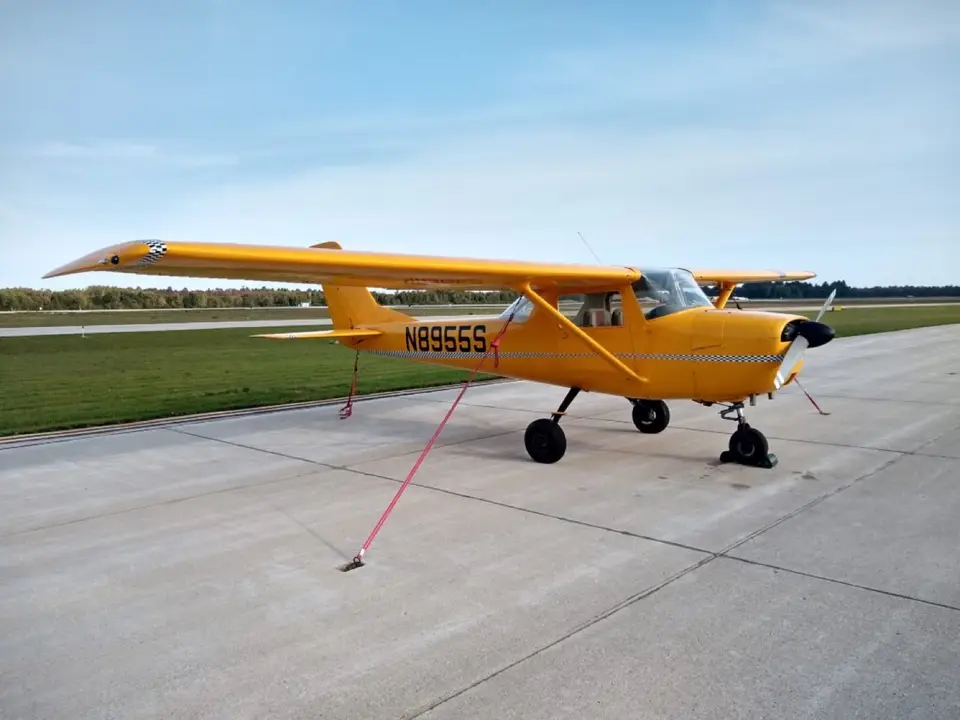
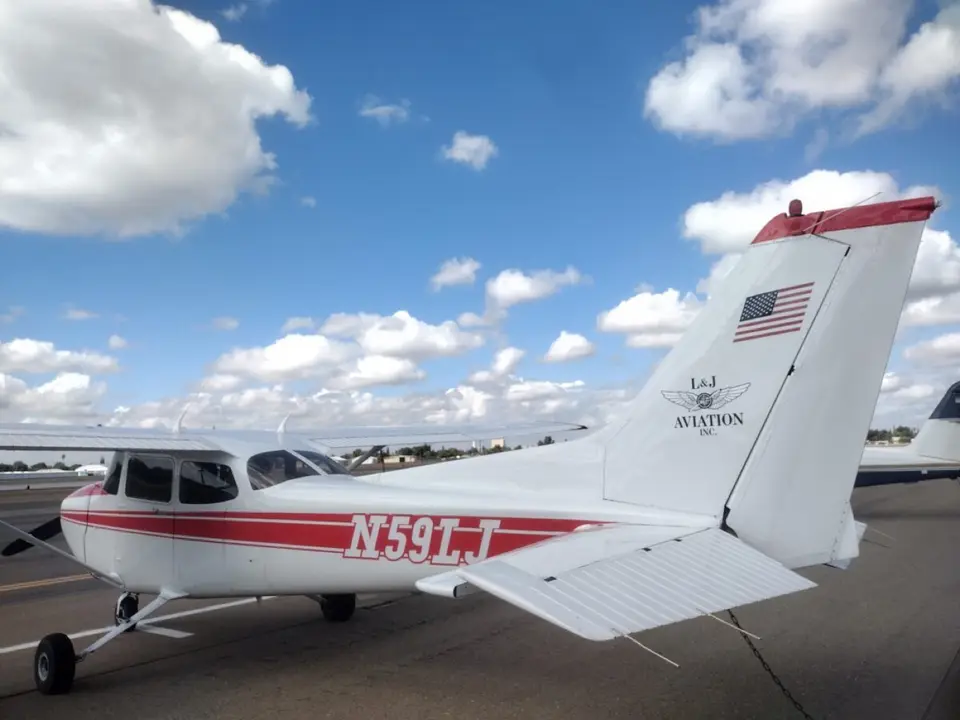
The fleet is a working mix. A Cessna 150 handles time building at the lowest rate. Several Cessna 172s make up the core of the line, and much of the fleet flies with Garmin avionics and G5 displays. A Piper Seneca II covers multi-engine work. Rates are wet, and renters can buy block time to bring the hourly price down.
Then there are the discovery flights, which are built for Los Angeles: a flight past the Hollywood Sign and downtown, a longer route out to Santa Monica, and a sunset night flight, each in a 172 with up to three people on board.
Why a mixed fleet is hard to see
Before Sky Schedule, Cloud's instructors, renters, and aircraft were spread across disconnected tools. Dispatch could not see the whole fleet without calling around. An open slot did not always mean the airplane was actually available, because maintenance, bookings, and instructor time lived in different places. The front desk paid for it in phone tag.
A mixed fleet makes that worse. A multi-engine lesson needs the Seneca and an instructor qualified to teach in it. A time builder wants the 150. A discovery flight over the Hollywood Sign needs a 172 at a specific hour. Each of those depends on a different set of facts lining up.
One schedule, on the desk and in the pocket
Cloud brought its students, every airplane from the 150 to the Seneca, and its billing into Sky Schedule. The goal was a single operations view: who is flying, what is booked, and what can go.
Every reservation now runs through the same system as aircraft status and instructor schedules. Sky Schedule catches overlapping bookings, and compliance checks sit on the reservation, so an expired document or an overdue inspection surfaces before a flight is confirmed. When a squawk grounds an airplane, it shows in red on the schedule, and its preflight check reads no-go until the work order is closed.
Mobile access mattered to Cloud. The Sky Schedule OS app for iPhone and iPad puts the schedule, Find a Time requests, check-out, and document uploads on a phone, so a schedule change does not wait for someone to sit down at the desk.
Billing runs off the same record, with each customer's saved card on their profile. When a flight is completed, the school already has what it needs for the books, without a separate export.
Price was part of the decision too. Cloud competes on clear wet rates and block discounts, and its software had to make sense for a school run that way.
What's different
Dispatch can tell which airplanes are free without a round of calls. Instructors and the desk read the same schedule, whether it's on the desk monitor or a phone on the ramp. Finding out whether the Seneca is open for a multi-engine lesson takes a glance.